← Back to Blog

Sydney Larsson

Sydney Larsson is a Web Content Writer at Label Toolkit, specializing in SEO-driven editorial content, digital publishing, and audience-focused storytelling. With a passion for transforming complex topics into clear, engaging articles, Sydney creates content that helps readers make informed decisions while supporting long-term organic growth. Working closely with subject matter experts and marketing teams, Sydney develops well-researched resources covering technology, business, logistics, e-commerce, and emerging industry trends. Her work focuses on delivering accurate, practical, and reader-first content that aligns with modern search standards and evolving AI-powered discovery platforms.

Articles by Sydney Larsson

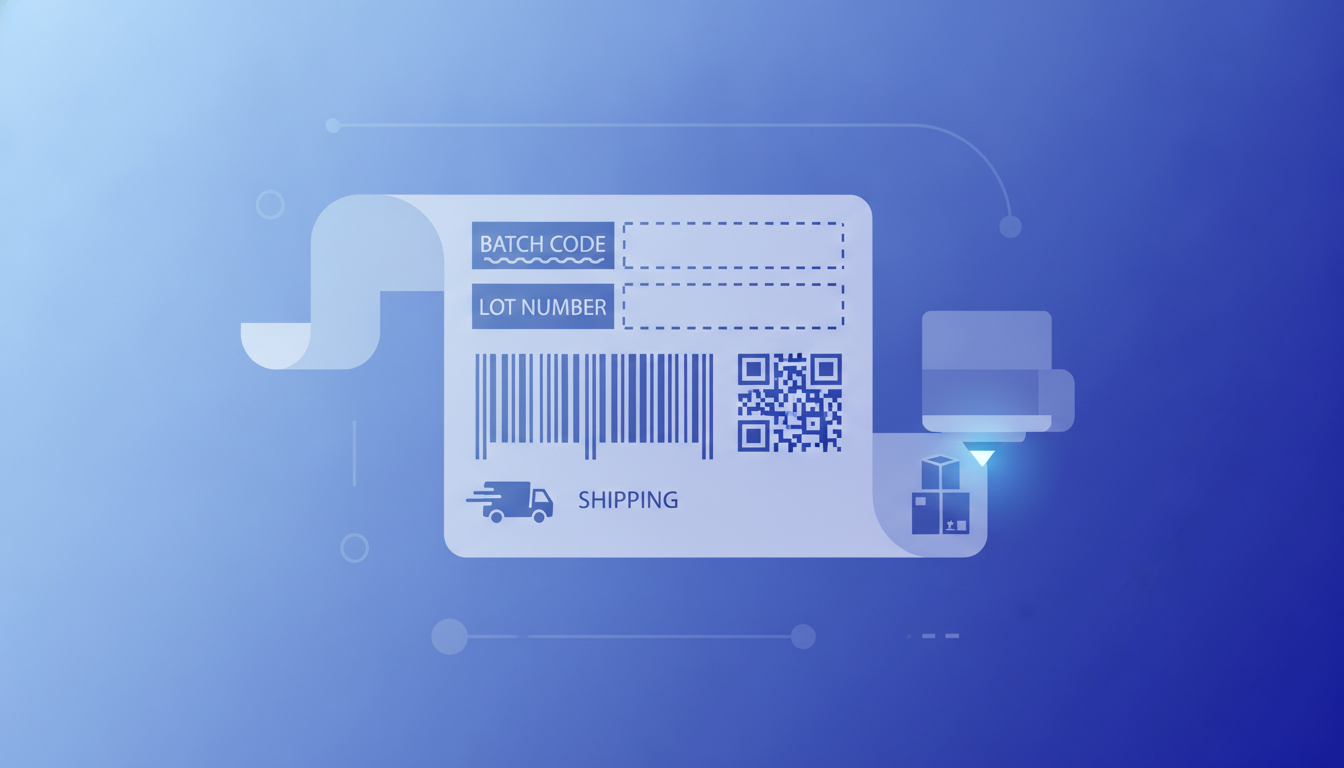
Batch Codes and Lot Numbers: Formats and How to Print Them on Labels

A batch code (also called a lot number) identifies a specific production run so manufacturers can trace products back to raw materials, date of manufacture, and facility. This guide covers every common format, GS1 and FDA rules, and how to print lot number labels in bulk with Label Toolkit.

What Is a SKU? How to Create SKU Numbers and Print SKU Barcode Labels

A SKU is a unique internal product identifier used to track inventory. This guide explains what a SKU is, how to design a solid SKU format, and how to print professional Code 128 SKU barcode labels in bulk using Label Toolkit.

Amazon FBA FNSKU Labels: Requirements, Format, and How to Generate Them Free

FNSKU labels are required on every unit you send to Amazon FBA. This guide covers the exact specs, barcode format, and how to create and bulk-print FNSKU labels free using Label Toolkit.

How to Fix Misaligned Thermal Labels: Calibration and Gap Detection Guide

Misaligned thermal labels are almost always caused by uncalibrated media sensors or incorrect gap/mark settings. This guide walks through every fix, from manual calibration buttons to ZPL commands, so your printer stops skipping and starts printing on-center every time.

ZPL vs EPL: Choosing the Right Zebra Label Language

ZPL and EPL are both Zebra printer languages, but they serve different eras of hardware. This guide breaks down the syntax, capabilities, and real-world trade-offs so you can choose confidently and move forward.

ZPL Command Reference: ^BQ (QR Code Barcode)

Everything you need to print QR codes on a Zebra printer using the ^BQ command: full syntax, parameter-by-parameter breakdown, error correction levels, magnification, and ready-to-send ZPL snippets.

Import ZPL: Turn Zebra Code Back Into an Editable Label

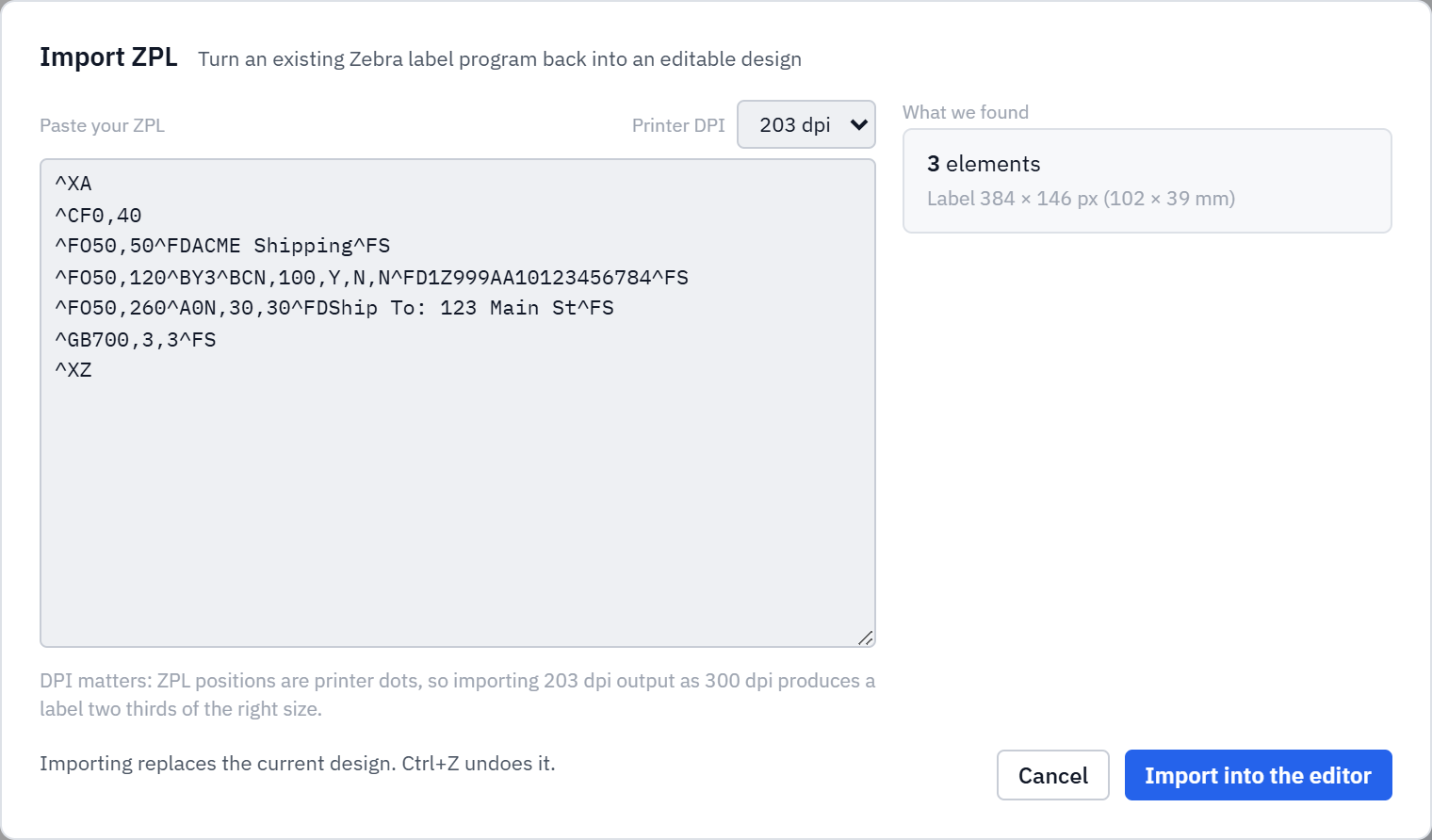
Already have a label as ZPL from a printer, an ERP or a vendor spec sheet? Paste it in and turn it back into a fully editable design. Text, shapes, barcodes and QR codes are rebuilt as editable elements.

ZPL Command Reference: ^FO (Field Origin)

The ^FO command sets the starting position of any field on a Zebra label. Learn the exact syntax, coordinate system, and real copy-paste examples.