← Back to Blog
Developers & API

Share Labels With a Link and Roll Back With Version History

Leah ReynoldsJuly 21, 20262 views

Labels are rarely a solo job. Someone designs, someone else approves, a warehouse or a print shop actually prints. Two new features make that back-and-forth safe: a read-only share link so anyone can view and print a label without an account, and version history so you can always get back to an earlier version. Together they mean you can hand a label around and change it freely, without worrying about who has access or losing good work.

Share a label with a link

Turn sharing on and you get a link anyone can open. They see the design and can export or print it, but they cannot edit it, cannot see your other labels, and never touch your account. It is the fastest way to send a label to a colleague for sign-off, or to a supplier who just needs to print it.
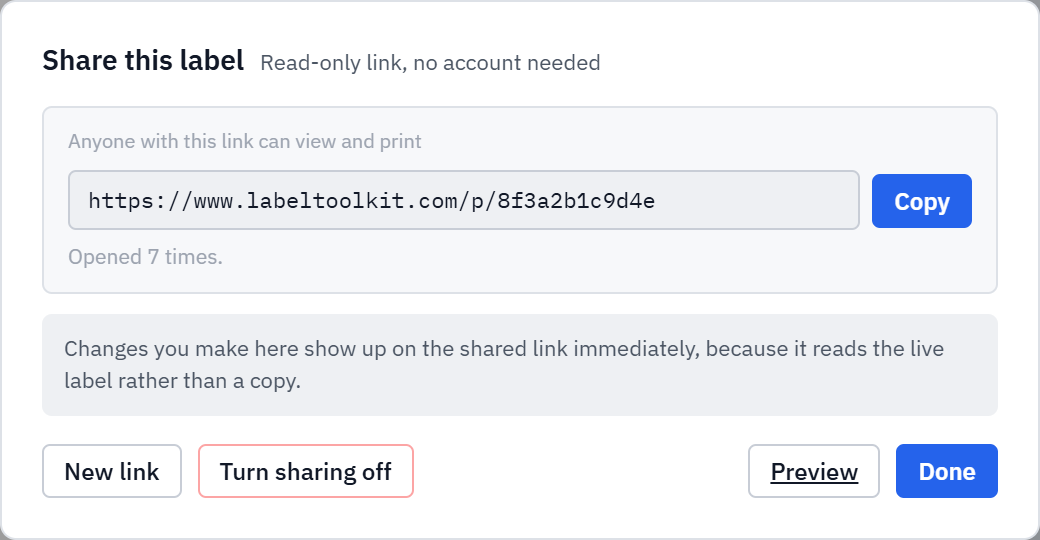
The Label Toolkit share dialog showing a read-only link anyone can open to view and print the label, with Copy, New link and Turn sharing off buttons.
A read-only share link. Replace it at any time to retire the old one instantly.
  • The link is read-only: view and print, never edit.
  • It always shows the live label, so a change you make appears on the link straight away.
  • Issue a new link at any time to invalidate the old one, or turn sharing off entirely.

Version history for every label

Your labels now keep a history. Snapshots are saved automatically as you work (at most one every ten minutes, so the list stays readable), and you can name a version at any meaningful point, like "Approved for print." When you need to go back, restore any snapshot in one click.
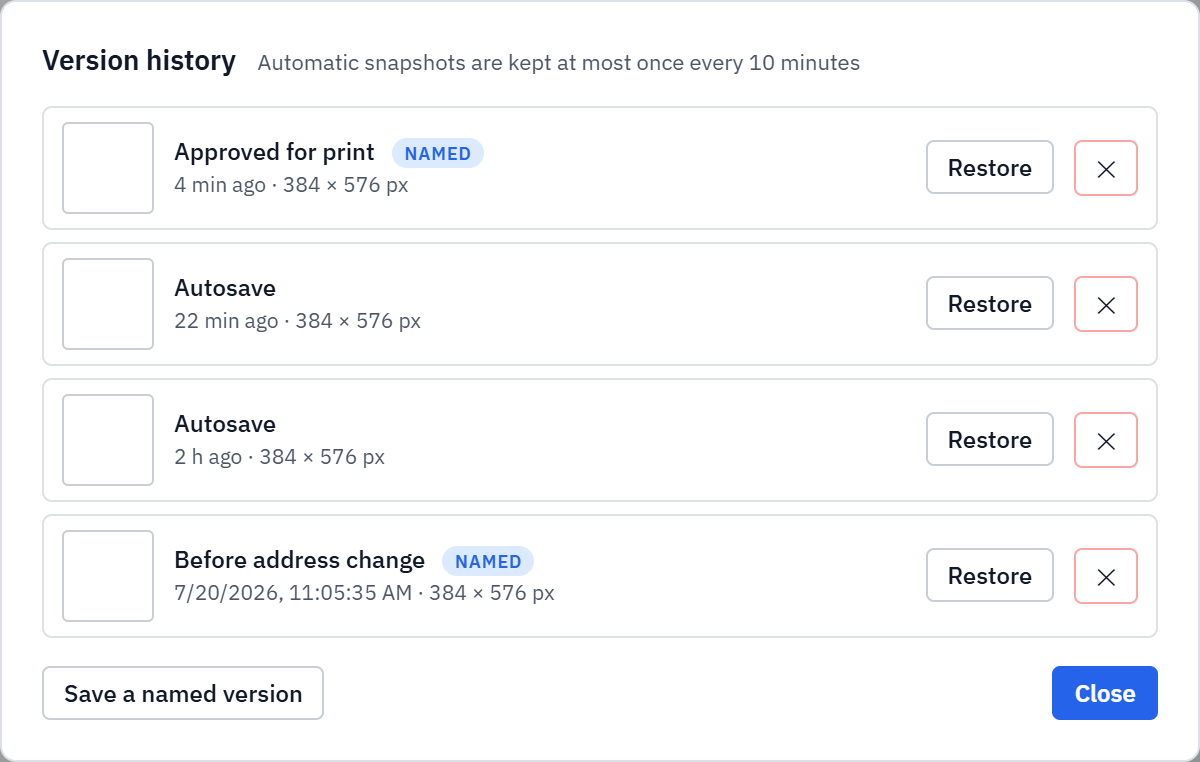
The Label Toolkit version history dialog listing snapshots such as Approved for print and Autosave with timestamps and Restore buttons.
Automatic snapshots plus named versions, each restorable in one click.

Restoring is itself safe: before it rolls back, your current design is snapshotted too, so a rollback is reversible. You can experiment, restore, and change your mind without ever painting yourself into a corner.

Why they belong together

Sharing invites feedback, and feedback invites changes. Version history is what makes those changes low-risk: try what a reviewer suggested, and if it does not work, roll back. The share link keeps pointing at the same label, so your reviewer always sees the current state without you resending anything.

Try it

Open a saved label in the Label Toolkit editor, then use Share to get a link or History to see your snapshots. Both are free and need no signup beyond your own account.

#share label #read-only link #version history #label collaboration #roll back label
LR
Written by Leah Reynolds
View profile →