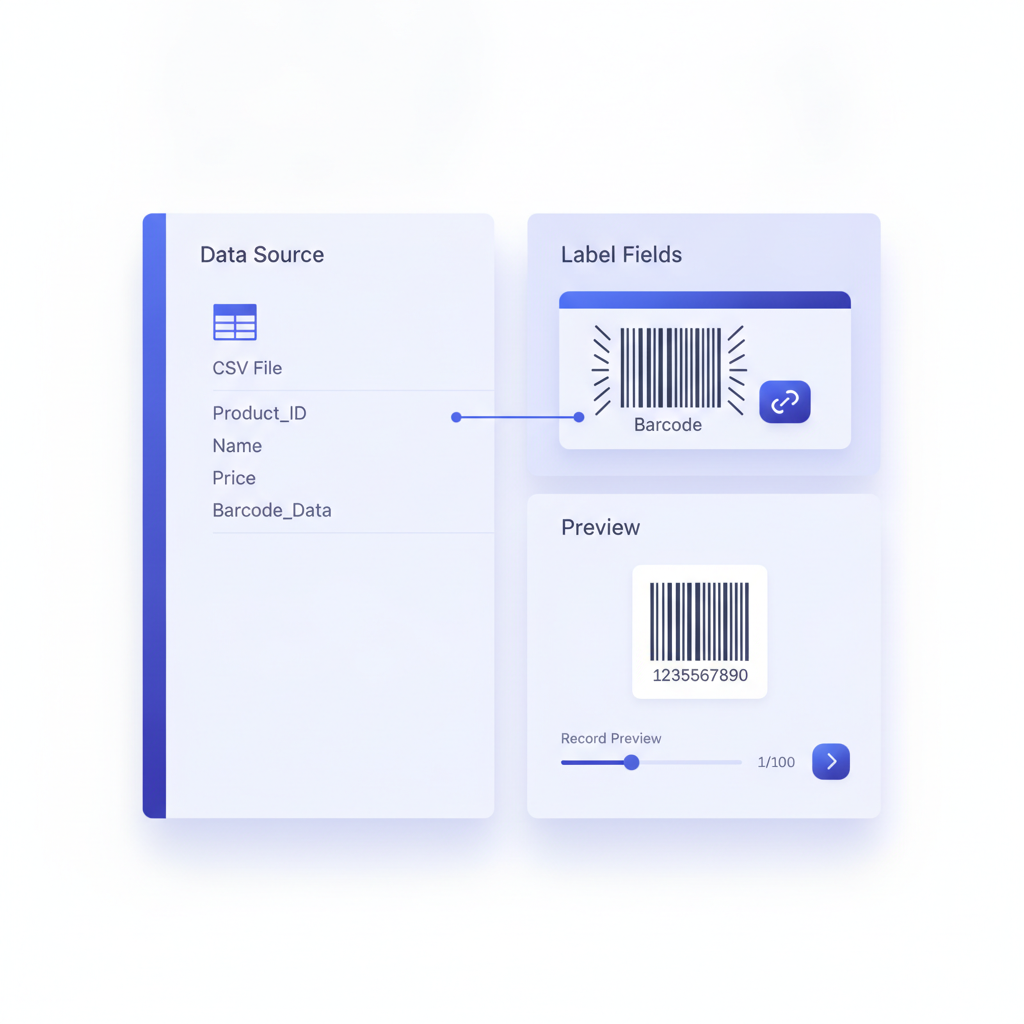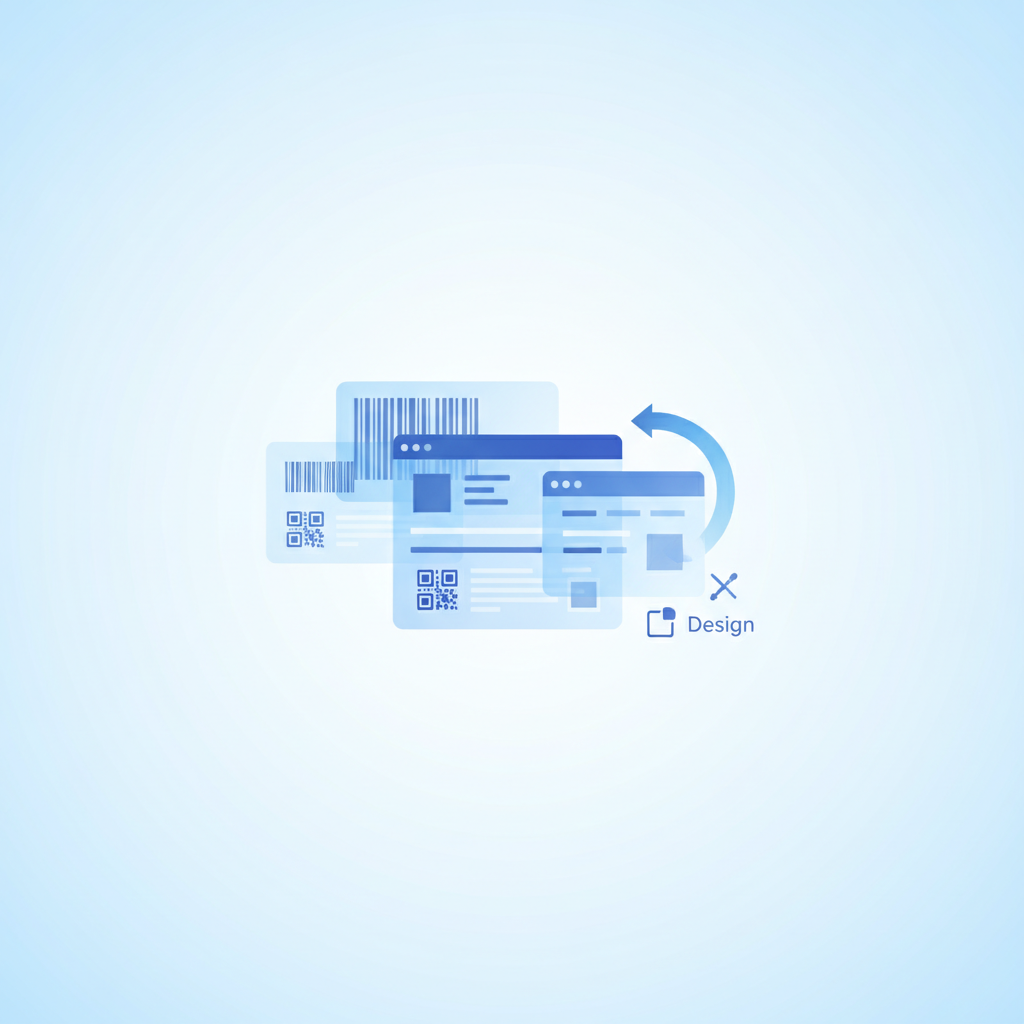
A Labelary alternative is any browser-based tool that renders ZPL (Zebra Programming Language) output visually without a physical printer, and Label Toolkit is the most capable free option available today. Unlike Labelary, which is purely a rendering API and preview page, Label Toolkit lets you preview, edit, design from scratch, generate barcodes, merge data from a spreadsheet, and export to PDF or ZPL, all without installing anything.
- Label Toolkit renders ZPL live in the browser and also lets you edit the underlying design visually, not just view it.
- You can import existing ZPL code and get an editable label back, which Labelary does not support.
- Barcode generation (Code 128, QR, Data Matrix, GS1-128, and more), data merge from CSV or Google Sheets, and vector PDF export are all included at no cost.
- Both tools are free to start, but Label Toolkit requires no API key or code to use the preview feature.
What Is Labelary and What Does It Actually Do?
Labelary is an open web service created by labelary.com that exposes a REST API: you POST a ZPL string and receive back a PNG or PDF rendering of what that label would look like on a Zebra printer. The companion web page at labelary.com/viewer.html wraps that API in a simple textarea-plus-image UI so you can paste ZPL and see the result immediately.
Labelary is genuinely useful. It has been a reliable tool for developers debugging ZPL for years. The API is free, the output is accurate for most standard ZPL commands, and you can specify label dimensions and print density (dots per millimetre, or dpmm) in the query string. For example, a 4-inch by 6-inch label at 8 dpmm (203 dpi) renders correctly when you pass 8dpmm/4x6/0 as the path parameters.
The limitation is scope. Labelary is a renderer, not a designer. There is no canvas, no drag-and-drop, no barcode wizard, no data merge, no export to print-ready PDF. If your workflow goes beyond "paste ZPL and check the image," you quickly run out of road.
Where Label Toolkit Goes Further
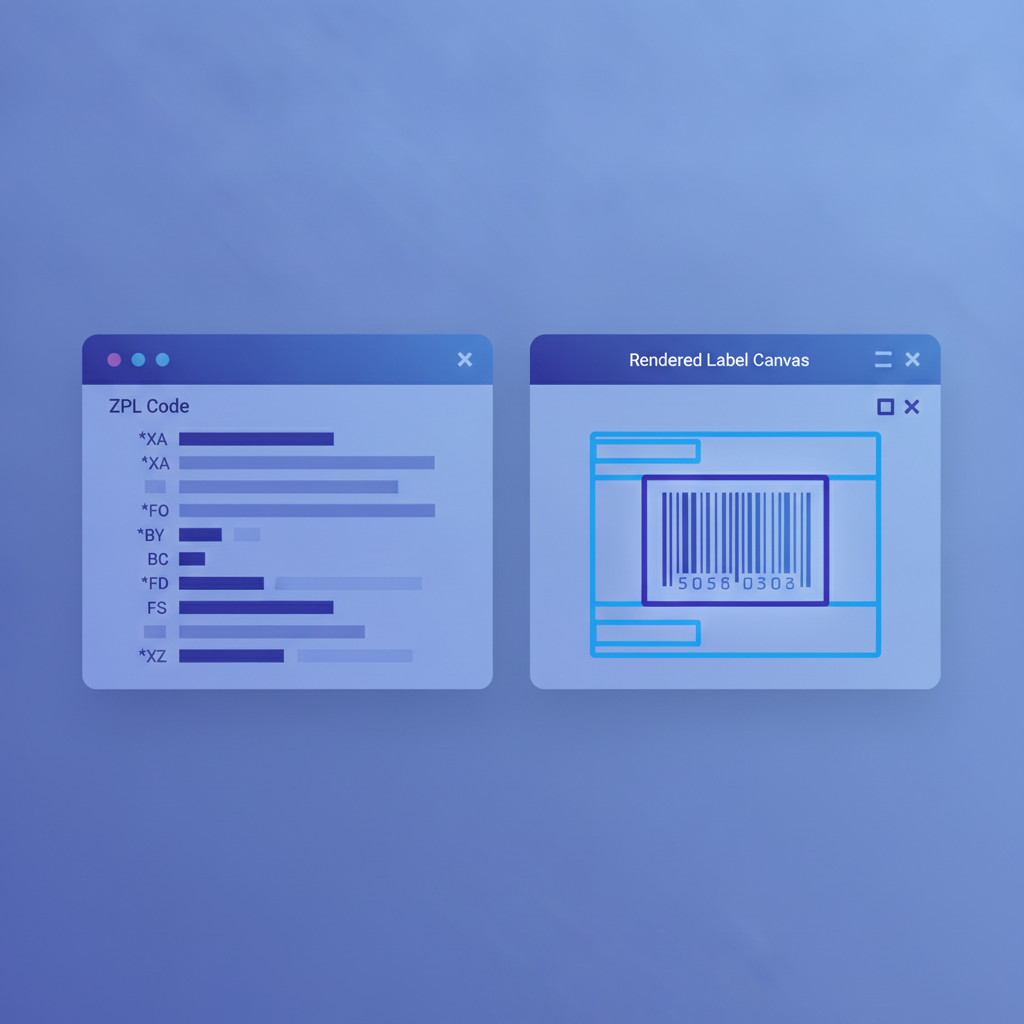
Label Toolkit covers everything Labelary does and then keeps going. The live ZPL preview is built into the designer so every change you make, whether in the visual canvas or in the raw ZPL panel, reflects immediately. The tool is built around the full label creation lifecycle, not just the preview step.
Visual designer with live ZPL sync
The canvas is drag-and-drop. You position fields, set fonts, choose barcode types, and adjust sizes by clicking and dragging. Underneath, Label Toolkit keeps the ZPL in sync in real time. You can switch to the ZPL code view at any moment, edit a command directly (for example, change a ^FO field origin from ^FO50,50 to ^FO80,50 to shift an element 30 dots to the right), and the canvas updates instantly. This two-way sync is something Labelary's textarea-to-image flow cannot offer.
ZPL import: turn code into an editable label
If you have an existing ZPL file from a legacy system, a carrier, or a warehouse management platform, you can paste it into Label Toolkit and get back a fully editable label. Each ^FO, ^FD, ^BC, and ^A block becomes a visual element you can move or restyle. This is covered in depth in the ZPL import guide for turning Zebra code into an editable label. Labelary has no equivalent; it renders the image and stops.
Accurate printer simulation at the right density
ZPL coordinates are in dots, and the physical size of a dot depends on the printer's resolution. A 203 dpi Zebra ZD420 has 8 dots per mm; a 300 dpi model has 11.81 dots per mm. Label Toolkit lets you set the print density so the on-screen preview matches the actual printed size. Labelary exposes the same dpmm parameter in its API, so both tools handle this correctly, but in Labelary you have to know to set it manually in the URL. In Label Toolkit, it is a named setting in the label properties panel.
Feature Comparison: Label Toolkit vs Labelary
| Feature | Labelary | Label Toolkit |
|---|---|---|
| Live ZPL preview in the browser | Yes | Yes |
| No install required | Yes | Yes |
| Free to use | Yes (API rate limits apply) | Yes |
| Visual drag-and-drop designer | No | Yes |
| Import ZPL to editable label | No | Yes |
| Export ZPL from a visual design | No | Yes |
| Vector PDF export for desktop printers | No | Yes |
| Barcode generation (Code 128, QR, GS1-128, Data Matrix, etc.) | Via ZPL commands only | Yes, via GUI and ZPL |
| Data merge from CSV or Google Sheets | No | Yes |
| Serial number / auto-increment fields | No | Yes |
| Label templates library | No | Yes |
| REST API for ZPL generation | Yes (core offering) | Yes (public ZPL API) |
| Requires sign-in for preview | No | No |
| Version history and share links | No | Yes |
How to Preview ZPL in Label Toolkit: Step by Step
- Open the Label Toolkit designer in your browser. No account needed for basic use.
- Click the Import ZPL button (or use the menu: File > Import ZPL).
- Paste your ZPL string. A minimal valid label starts with
^XAand ends with^XZ. For example:^XA^FO50,50^ADN,36,20^FDHello World^FS^XZ - Set your label dimensions (width and height in inches or mm) and print density (8 dpmm for 203 dpi, 12 dpmm for 300 dpi).
- The canvas renders the label immediately. Move or resize elements visually if needed.
- To export back to ZPL for your Zebra printer, click Download ZPL. To produce a print-ready file for a desktop printer, click Download PDF.
The entire preview workflow takes under a minute and requires no API key, no account, and no command-line tools.