GHS label requirements are defined by OSHA's Hazard Communication Standard, 29 CFR 1910.1200 (HazCom 2012), which adopted the United Nations Globally Harmonized System of Classification and Labelling of Chemicals (GHS). Every container of a hazardous chemical shipped or stored in a U.S. workplace must carry six specific label elements, including at least one of nine standardized pictograms. Label Toolkit provides a free, browser-based GHS label template you can customize and export as a print-ready PDF without installing any software.
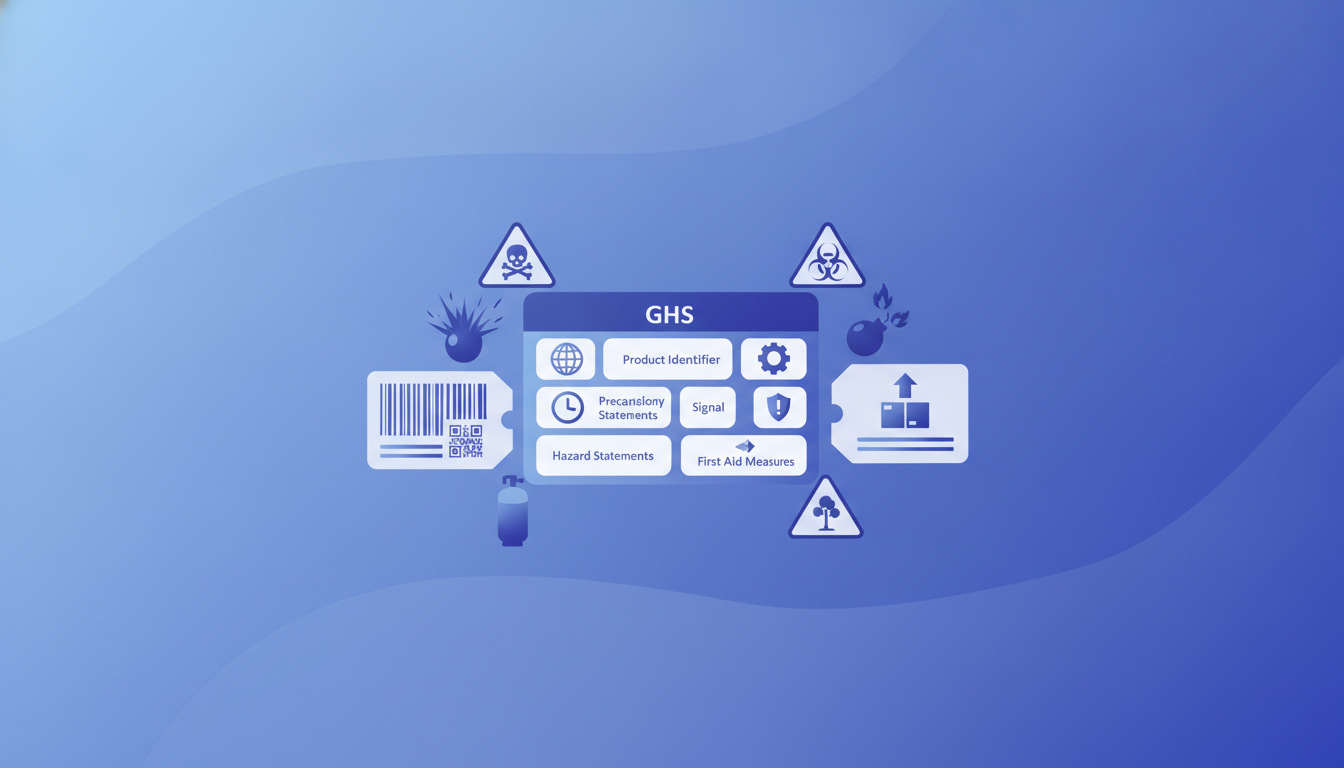
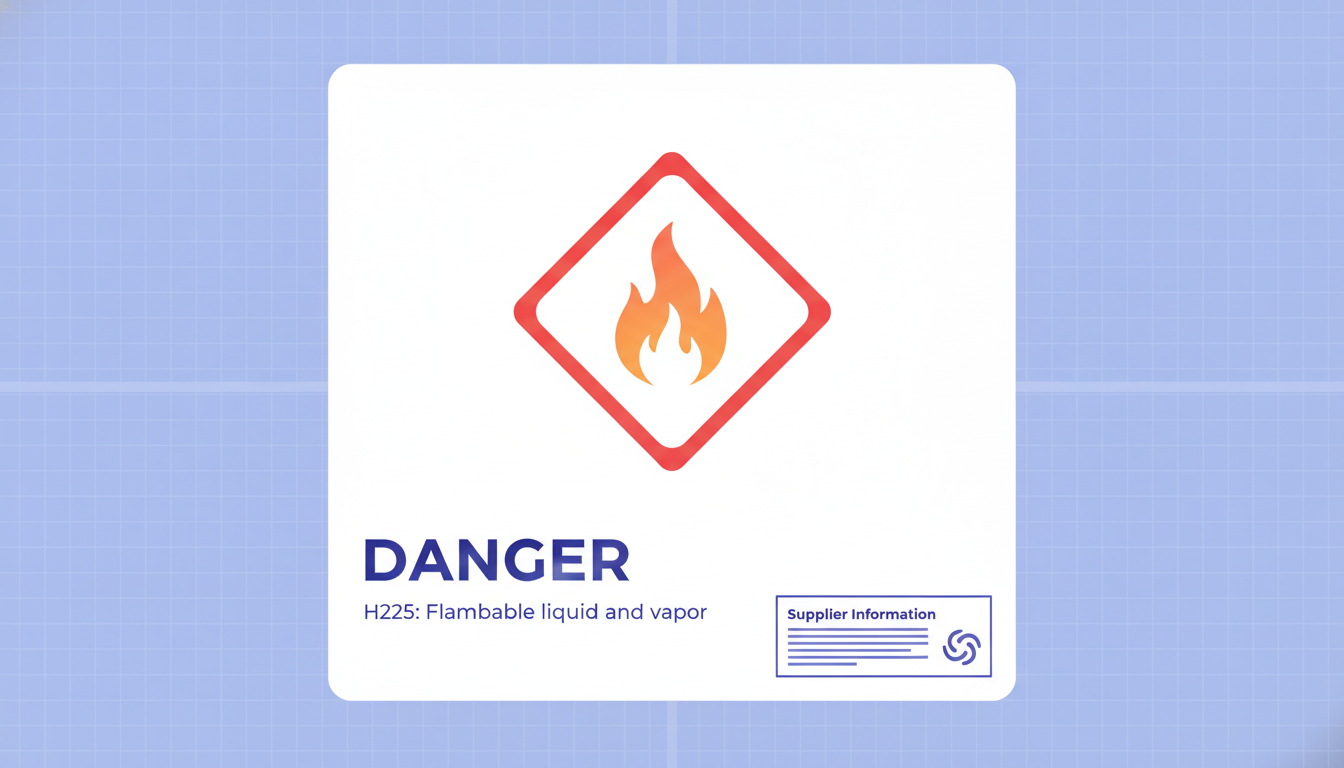
Six elements are mandatory on every GHS label: product identifier, signal word, hazard statement(s), precautionary statement(s), supplier identification, and pictogram(s).
OSHA mandates all nine GHS pictograms appear as a red-bordered diamond; the specific pictograms required depend on the chemical's hazard classification.
Label size is not fixed by a single number, but the standard requires that all text and symbols be legible and proportional to the container size.
Label Toolkit's free GHS template pre-places all six elements so you can fill in chemical-specific data and export a compliant PDF in minutes.
What Is the GHS and Why Does It Apply to Your Labels?
The Globally Harmonized System (GHS) is a United Nations framework that standardizes how hazardous chemicals are classified and communicated worldwide. OSHA aligned the U.S. Hazard Communication Standard with GHS in 2012, requiring chemical manufacturers, importers, and distributors to ship products with GHS-compliant labels and Safety Data Sheets (SDS) by June 1, 2016. Employers who re-label workplace containers must also meet the standard.
If your business manufactures, imports, or repackages any substance classified as a physical hazard (flammable, explosive, oxidizer) or health hazard (carcinogen, irritant, acute toxin), GHS labeling is a legal obligation, not optional best practice. Violations carry OSHA fines that can reach $16,550 per willful or repeat violation as of 2024.
The 6 Required GHS Label Elements
OSHA 29 CFR 1910.1200(f) specifies exactly what must appear on any shipped container. The six elements are non-negotiable; omitting even one is a citable violation.
Element
What It Must Include
Example
1. Product Identifier
Chemical name, code number, or batch number that matches the SDS
Isopropyl Alcohol 99%, CAS 67-63-0
2. Signal Word
Either "Danger" (more severe) or "Warning" (less severe); never both
DANGER
3. Hazard Statement(s)
Standardized H-code phrases describing the nature of each hazard
One or more of the nine GHS pictograms applicable to the hazard class and category
Flame symbol in a red-bordered diamond
Supplemental information (first aid measures, a product use description) may appear on the label, but it cannot contradict or obscure any of the six required elements. OSHA's full HazCom text is available at the OSHA Hazard Communication Standard page.
H-Codes and P-Codes: Understanding Standardized Phrases
Hazard statements (H-codes) and precautionary statements (P-codes) are not free-text fields. GHS assigns a numbered, fixed phrase to each hazard type so that the same chemical carries the same language in any country that has adopted the system. You find the required codes in the chemical's SDS, Section 2.
H-codes follow a pattern: H2xx covers physical hazards, H3xx covers health hazards, and H4xx covers environmental hazards. P-codes are grouped as P1xx (general), P2xx (prevention), P3xx (response), P4xx (storage), and P5xx (disposal). A flammable solvent might carry H225, H319, and H336, paired with P210, P233, P260, P271, P303+P361+P353, and P501. The SDS is the authoritative source; do not write your own phrases.
All 9 GHS Pictograms: Meanings and When to Use Each
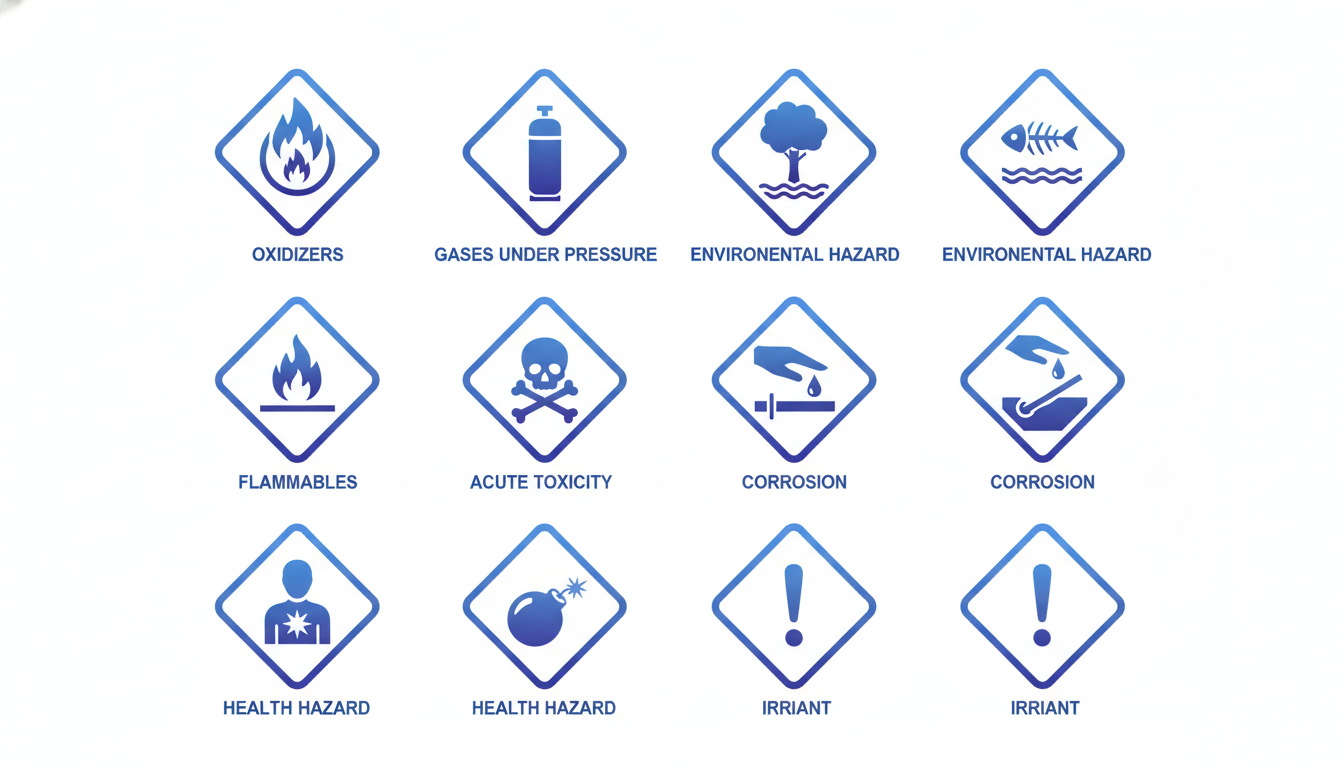
GHS pictograms are black symbols inside a red-outlined diamond rotated 45 degrees to stand on a point. The white background inside the diamond is part of the specification. Each pictogram has an official name and covers specific hazard categories.
Pictogram Name
Symbol Description
Hazard Categories Covered
Flame
A flame over a horizontal line
Flammable gases, aerosols, liquids, solids; self-reactive substances; pyrophorics; self-heating substances; substances that emit flammable gas on contact with water; organic peroxides
Flame Over Circle
A flame above a circle
Oxidizing gases, liquids, and solids
Exploding Bomb
An explosion with fragments radiating outward
Unstable explosives; explosives of Divisions 1.1 to 1.4; self-reactive substances Type A and B; organic peroxides Type A and B
Acute toxicity (oral, dermal, inhalation) Categories 1, 2, and 3
Exclamation Mark
A bold exclamation point
Acute toxicity Category 4; skin and eye irritation; skin sensitization Category 1; specific target organ toxicity single exposure Category 3; respiratory tract irritation; narcotic effects; hazardous to ozone layer
Health Hazard
A human torso with a starburst on the chest
Carcinogenicity; respiratory sensitization; reproductive toxicity; specific target organ toxicity; aspiration hazard; germ cell mutagenicity
Environment
A dead tree above a fish in water
Aquatic toxicity (acute and chronic); hazardous to the aquatic environment
Note: the Environment pictogram is not mandatory under OSHA HazCom 2012 for workplace labels, but it is required in many other GHS-adopting countries and is strongly recommended for international shipments. The UNECE GHS documentation covers the full international requirements across all adopting nations.
GHS Label Size and Format Rules
OSHA does not prescribe a single label dimension, but it does tie minimum pictogram size to container volume. The table below summarizes the guidance in 29 CFR 1910.1200, Appendix C.
Container Capacity
Minimum Pictogram Size
3 liters (0.79 gal) or less
6 mm x 6 mm (0.24 in x 0.24 in)
More than 3 liters, up to 100 liters (26.4 gal)
15 mm x 15 mm (0.59 in x 0.59 in)
More than 100 liters, up to 500 liters (132 gal)
25 mm x 25 mm (0.98 in x 0.98 in)
More than 500 liters
50 mm x 50 mm (1.97 in x 1.97 in)
Beyond pictogram size, the standard requires that the label:
Be written in English (additional languages may be included).
Have text and symbols displayed prominently and in a legible font size, with sufficient color contrast against the background.
Not be removed, defaced, or covered while the chemical is in the container.
Be affixed to, printed on, or attached to the outer surface of the container so it is readable without opening or moving the container.
There is no mandatory minimum font size in the OSHA rule itself, but 6 pt is generally considered the practical floor for readability. Industry practice for a standard 4 x 6 inch drum label is 8 to 10 pt body text with signal words at 14 to 18 pt so they stand out immediately.
Workplace Labels vs. Shipped Container Labels
A distinction that trips up many small manufacturers: OSHA distinguishes between shipped containers (which need all six elements) and workplace containers (such as a bottle decanted from a bulk drum for immediate use). Workplace containers used immediately do not require full GHS labeling, but they must at minimum carry the product identifier and words, pictures, or symbols that provide the employee with the same hazard information as the full label. In practice, most safety managers apply a simplified label with the product name, signal word, and key pictograms to avoid ambiguity during OSHA inspections.
How to Build a GHS Label in Label Toolkit
Label Toolkit's compliance template library includes a pre-built GHS label with all six element zones already positioned. The steps below describe building one from the template.
Open the compliance label templates page and select the GHS Hazardous Chemical label template. It loads directly in the browser canvas, no account required to start.
Set your label dimensions. A common size for a 1-gallon container is 4 x 4 inches (101.6 x 101.6 mm). For a 55-gallon drum you would scale up to at least 5 x 7 inches to meet the 50 mm pictogram requirement. Adjust width and height in the canvas settings panel.
Replace the product identifier placeholder with your chemical name and CAS number.
Select the correct signal word. Delete the placeholder you do not need; only one of "Danger" or "Warning" can appear.
Paste in the H-code statements and P-code statements from your SDS, Section 2. Use a text box with at least 8 pt font and sufficient line spacing for readability.
Add your company name, address, and emergency telephone number to the supplier block.
Insert the required pictograms. The template includes all nine as scalable SVG objects. Delete the ones not applicable to your chemical and resize the remaining ones to meet the minimum size for your container volume.
Export a vector PDF using Label Toolkit's true vector PDF export so pictograms and text remain sharp at any print size. If you are printing on a Zebra thermal printer, you can also export ZPL directly.
Common GHS Labeling Mistakes and How to Avoid Them
Using both "Danger" and "Warning" on the same label
When a chemical falls under multiple hazard categories, only the higher-severity signal word appears. If any category requires "Danger," use only "Danger" and omit "Warning" entirely, even if lower-severity categories would normally trigger it.
Paraphrasing H-code or P-code phrases
H and P statements are legally standardized. Rewriting them in plain language, even with good intentions, means the label no longer carries the required statement. Copy the exact phrase from the GHS classification table or your SDS.
Printing pictograms too small
A 6 mm pictogram on a 5-liter bottle violates the size table above. Always check container volume before setting pictogram dimensions in your label layout.
Covering the label with shrink wrap or overwrap
If the label is not readable without removing packaging, OSHA treats it as absent. Either print directly on the outer packaging or use a label panel visible through transparent film.
Omitting the emergency telephone number
Supplier identification must include a telephone number. Many manufacturers use a 24-hour emergency number such as CHEMTREC (+1-800-424-9300) in addition to their own office number.
GHS Labels for Thermal Printers: Practical Print Settings
If you are printing GHS labels on a Zebra or similar thermal printer, a few settings matter for compliance:
Use at least 300 DPI (dots per inch, also expressed as 12 dpmm) for pictograms. At 203 DPI the fine lines of the skull-and-crossbones or corrosion symbol can break up and become ambiguous at small sizes.
For ZPL output, the red diamond border is not reproducible on a standard monochrome thermal printer. OSHA acknowledges this limitation: black-and-white workplace labels are acceptable if color printing is not practical, but shipped containers leaving the facility must carry red-bordered pictograms, which typically means pre-printed label stock or a color inkjet overlay.
If you use pre-printed label stock with the red diamonds already on the roll, you only need to thermal-print the text elements. Label Toolkit lets you export just the text layer as ZPL while the pictograms are handled by the pre-printed background.
For a deeper look at compliance label design across other regulated categories (nutrition facts, CE marking, UKCA), see the full Label Requirements and Compliance guide, which is the pillar resource for this cluster.
Frequently asked questions
What are the 6 required elements of a GHS label?
The six required GHS label elements under OSHA 29 CFR 1910.1200 are: product identifier, signal word (Danger or Warning), hazard statement(s), precautionary statement(s), supplier identification (name, address, and phone number), and pictogram(s). All six must appear on any shipped container of a hazardous chemical.
How many GHS pictograms are there and what do they mean?
There are nine GHS pictograms: Flame (flammable), Flame Over Circle (oxidizer), Exploding Bomb (explosive), Compressed Gas (pressurized gas), Corrosion (corrosive to skin or metals), Skull and Crossbones (acute toxicity categories 1 to 3), Exclamation Mark (irritants and less severe acute toxicity), Health Hazard (carcinogens, reproductive toxins, and other chronic hazards), and Environment (aquatic toxicity). Each is a black symbol inside a red-bordered diamond on a white background.
Is there a required minimum size for GHS labels?
OSHA does not set a single minimum label size, but it does require pictograms to meet minimum dimensions based on container volume, ranging from 6 x 6 mm for containers up to 3 liters to 50 x 50 mm for containers over 500 liters. All text must be legible and prominent.
Can I print a GHS label in black and white?
For workplace containers (re-labeled for internal use), black-and-white is acceptable if color printing is impractical. For shipped containers leaving your facility, OSHA requires red-bordered pictograms. Most businesses use color inkjet printers or pre-printed label stock with red diamonds to meet this requirement.
Where do I find the correct H-codes and P-codes for my chemical?
The required hazard statements (H-codes) and precautionary statements (P-codes) for your chemical are listed in Section 2 of its Safety Data Sheet (SDS). Do not paraphrase them; the exact standardized phrases must appear verbatim on the label.
Ready to build your GHS label? Create a free Label Toolkit account to save your template, run data merge for multiple chemicals from a spreadsheet, and export print-ready vector PDFs or ZPL files, all in the browser with no software to install.