The best free barcode generator in 2026 depends on what you actually need to print. For single barcodes in a browser, several tools do the job. For bulk Code 128, QR, UPC, or GS1-128 output tied to real label layouts, Label Toolkit is the only free, no-install option that combines a live canvas, data merge from a spreadsheet, and both PDF and Zebra ZPL export, all without downloading software.
Label Toolkit covers the widest range of symbologies (Code 128, Code 39, QR, Data Matrix, EAN-13, UPC-A, GS1-128, ITF-14, and more), generates barcodes inside a full label designer, and exports vector PDF or ZPL, free.
Single-barcode web tools like Barcode.tec and Cognex are fast for one-off checks but cannot merge data or produce print-ready label files.
Bulk capability, quiet-zone control, and file format matter far more than the word "free" when you are printing real labels at scale.
No account is required to start on Label Toolkit; you only register to save labels across sessions.
What makes a barcode generator actually useful?
A barcode generator that only produces a PNG image is fine for a one-off test scan. The moment you need to print fifty product labels with sequential serial numbers, or a pallet label that meets GS1-128 quiet-zone rules, a PNG export falls short. Before comparing tools, it helps to define the criteria that separate a toy from a real workflow tool.
Symbology coverage
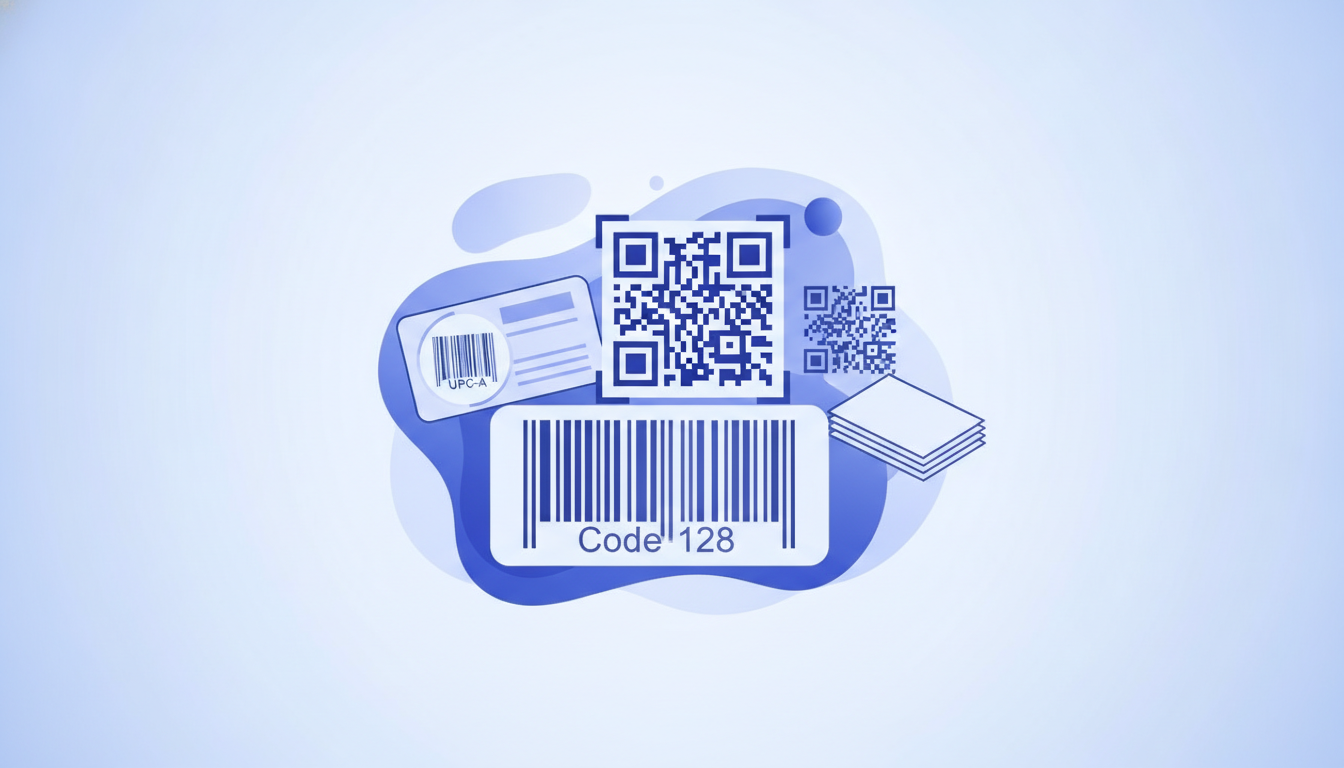
A symbology is the specific barcode standard: Code 128, QR Code, UPC-A, EAN-13, Data Matrix, GS1-128, ITF-14, Code 39, and so on. Each has different data capacity, scan distance requirements, and industry norms. A generator that only does QR codes is useless for retail shelf labels, which require UPC or EAN. See the complete barcode symbology guide for a full breakdown of when each type applies.
File output format
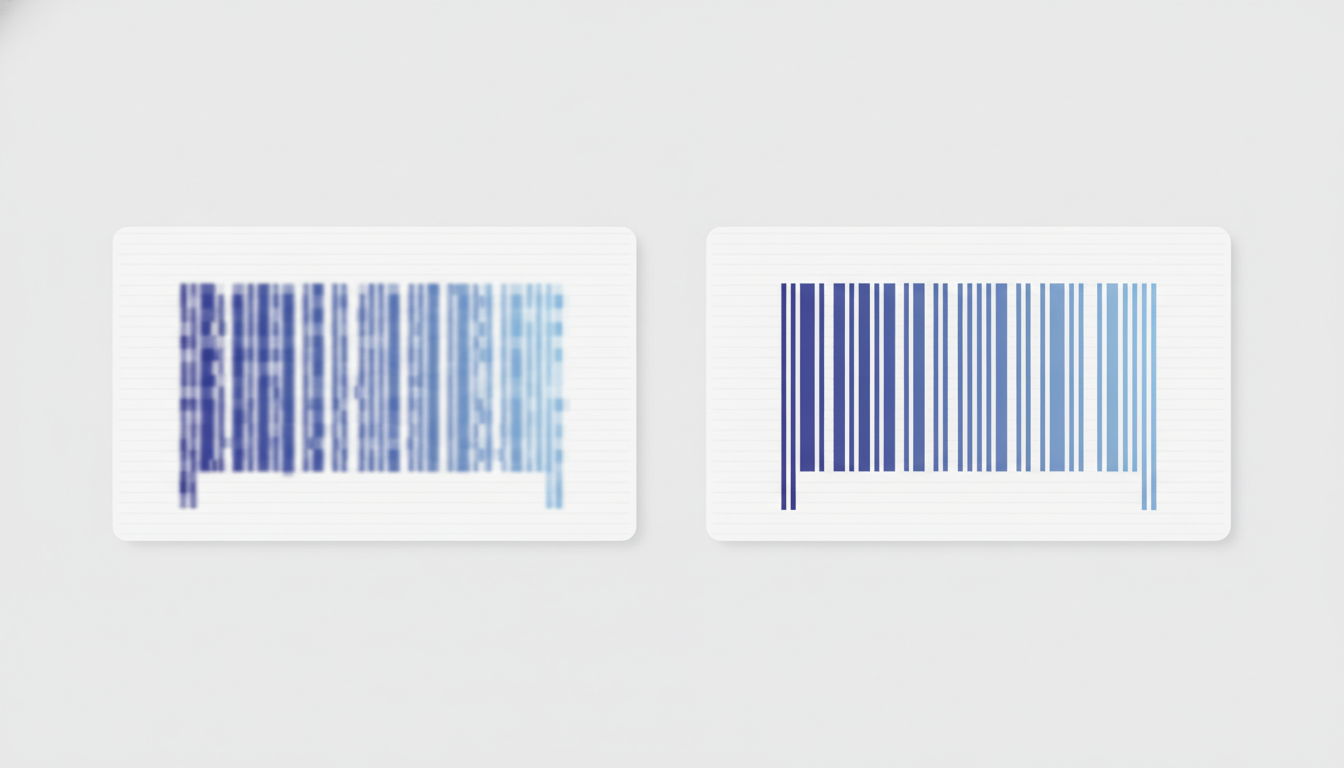
PNG and JPEG outputs blur when scaled, which causes scan failures at low DPI. SVG and PDF preserve vector geometry, meaning bars stay crisp at any size. ZPL (Zebra Programming Language) output lets you send the label directly to a thermal printer without a print driver. If a tool only gives you a raster image, you will hit print-quality problems on thermal media.
Quiet-zone enforcement
A quiet zone is the blank margin on either side of a barcode that scanners use as a reference boundary. Code 128 requires a minimum quiet zone of 10 times the narrow bar width (typically at least 2.5 mm at standard sizes); QR codes need a 4-module quiet zone on all sides. A generator that crops these margins will produce barcodes that fail real-world scanning. Many free tools do not enforce or even display quiet zones.
Bulk and data-merge capability
If you need more than one unique barcode, you need a tool that can accept a spreadsheet column as input and output a batch. This is where most free generators stop, and where Label Toolkit's data merge feature becomes the deciding factor for SMB and e-commerce use cases.
Account requirements
Several tools gate even basic PNG download behind a registration wall or a paid plan. That detail matters when you are evaluating tools quickly under time pressure.
The comparison: top free barcode generators in 2026
The table below compares six tools on the criteria above. "Free tier" means the feature is available without paying; it does not mean the tool has no paid plan.
Tool
Symbologies (free)
File output (free)
Bulk / data merge
Account required
Label layout editor
ZPL export
Label Toolkit
Code 128, Code 39, QR, Data Matrix, EAN-13, EAN-8, UPC-A, UPC-E, GS1-128, ITF-14, PDF417, and more
Vector PDF, ZPL, PNG
Yes, CSV / spreadsheet merge, serial number auto-increment
No (save requires free account)
Yes, full canvas editor
Yes
Orcascan Barcode Generator
Code 128, QR, EAN-13, UPC-A, Code 39, Data Matrix, ITF
Wide range: Code 128, Code 39, Interleaved 2 of 5, EAN, UPC, Postnet, QR
PNG, TIFF
No
No
No
No
Label Toolkit: the full-stack free option
Label Toolkit is the only entry in the table above that combines barcode generation with a real label designer, spreadsheet data merge, and ZPL thermal printer output, all free, all in the browser. Here is what that means in practice.
Supported symbologies and settings
When you add a barcode element on the canvas, you choose the symbology from a dropdown. Each type exposes the settings that matter for that standard. For Code 128, you set the bar height, the narrow bar width (the X dimension, typically 0.25 mm to 0.50 mm on a 203 DPI thermal printer), and whether to show the human-readable text below the bars. For QR codes, you choose the error correction level (L, M, Q, or H) and the module size. Data Matrix lets you set the size in either rows-and-columns or a target pixel dimension.
Exporting to PDF produces a true vector file: bars are geometric paths, not pixels, so they print sharply at any resolution. The ZPL export generates ready-to-send Zebra code. A simple Code 128 barcode on a 4x6 label, positioned 3 mm from the left edge and 5 mm from the top, would produce a ZPL block like the following:
^XA
^FO85,40
^BCN,80,Y,N,N
^FD123456789012^FS
^XZ
The ^FO command sets the field origin in dots (at 203 DPI, 85 dots is roughly 10.7 mm from the left). ^BCN,80,Y,N,N tells the printer to render a Code 128 barcode, normal orientation, 80 dots tall (about 10 mm), with the human-readable line enabled. ^FD passes the data and ^FS closes the field. Label Toolkit writes this code automatically when you design on the canvas; you never need to type it by hand unless you want to.
Bulk barcode generation via data merge
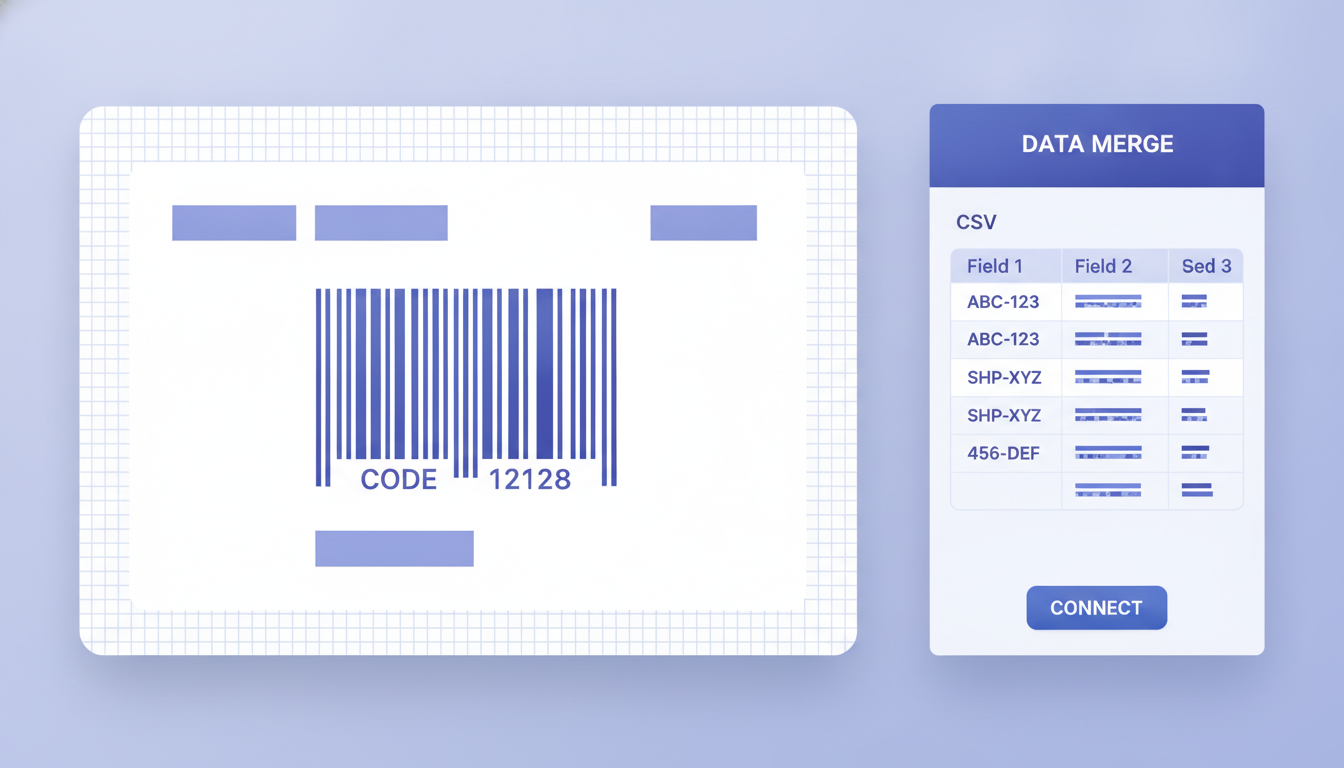
The data merge feature lets you upload a CSV or paste data from a spreadsheet. Each row becomes one label. A product catalog with 500 SKUs becomes 500 unique Code 128 labels in a single PDF, print-ready and correctly spaced. The serial-number auto-increment feature handles sequential barcodes (001, 002, 003...) without a spreadsheet at all. This is the capability that separates Label Toolkit from every other free tool in the comparison table.
When to use the other tools
The comparison is not meant to dismiss tools that serve a narrower purpose well. Here is where each alternative earns its place.
Orcascan
Orcascan's generator is clean and fast for single-barcode SVG download. If you need one Code 128 or Data Matrix image to drop into a design tool like Figma or Illustrator, it works without signing in. The limited bulk CSV feature is useful for generating a batch of standalone image files rather than print-ready labels.
Barcode.tec
Barcode.tec covers an impressive range of symbologies including Aztec (a 2D format common in transport ticketing) and PDF417 (used on driver's licenses and boarding passes), and it requires no account. It is the fastest option for grabbing a single PNG or SVG to verify encoding. The lack of size controls is the main limitation: you cannot set an exact X dimension or module size, which matters for compliance labels.
Cognex online generator
Cognex is a major machine-vision and barcode scanner vendor whose online barcode generator is primarily a sales and support tool. It is useful for testing whether a specific data string encodes correctly in a given symbology, particularly Data Matrix and PDF417. Do not expect print-ready output.
QR Code Generator Pro
If your sole need is a styled QR code (with a logo, custom color, or rounded modules) and you are comfortable staying on the free PNG tier, QR Code Generator Pro is polished. For the same styled QR capability inside a label design workflow, Label Toolkit's QR codes with logo and color feature does it without leaving the designer.
Barcodes Inc
The Barcodes Inc generator has been around for over a decade and covers rarely needed symbologies like Postnet (USPS postal barcodes) and Codabar (blood bank and library use). If you need one of those niche formats, it is worth a visit. For anything else, the raster-only output is a drawback.
Choosing by use case
Use the decision path below to find the right tool quickly.
Retail product label (UPC-A or EAN-13): You need a licensed GS1 barcode number first (purchased from GS1), then encode it in Label Toolkit with a vector PDF export at the correct size (at least 25.9 mm wide for UPC-A at the 80% magnification minimum).
Shipping or warehouse label (Code 128 or GS1-128): Use Label Toolkit with data merge if you have multiple packages; use Barcode.tec or Orcascan for a single-barcode sanity check.
QR code for a URL or vCard: Label Toolkit or QR Code Generator Pro, depending on whether you need the barcode inside a label or as a standalone image.
Thermal printer label (ZPL output needed): Label Toolkit is the only free tool in this list with ZPL export. No other option in the table produces Zebra-ready code.
One-off barcode image for internal testing: Barcode.tec or Cognex, no account needed, done in under 30 seconds.
Batch of 500 unique barcodes from a spreadsheet: Label Toolkit data merge. Nothing else in this comparison handles this free.
What to watch out for with free barcode generators
Raster output at the wrong resolution
Many tools export PNG at 72 DPI or 96 DPI. A standard thermal label printer runs at 203 DPI (8 dots per mm) or 300 DPI (12 dots per mm). Scaling a 72 DPI image up to fill a 4x6 label at 203 DPI produces blurry bars that will not scan reliably. Always use vector output (SVG or PDF) or a tool that lets you set the output DPI explicitly to 203 or 300.
Missing or insufficient quiet zones
The quiet zone rule is not optional. Code 128 needs at least 10x the X dimension (narrow bar width) on each side, which is typically 2.5 mm to 6.25 mm depending on the X dimension you choose. A generator that draws the barcode edge-to-edge in the image will produce scan failures in the field. Label Toolkit enforces quiet zones automatically and renders them as white space within the label canvas so you can see exactly what the printer will receive.
No check digit validation
UPC-A, EAN-13, and GTIN formats all include a mandatory check digit calculated from the preceding digits. A generator that accepts any 12-digit string for UPC-A without verifying the check digit will happily encode an invalid barcode. Label Toolkit calculates and validates check digits automatically. If you are using another tool, verify your check digit independently before printing at scale.
Watermarks and download gates on free tiers
QR Code Generator Pro and several other SaaS tools watermark free downloads or require a paid account for SVG. Always test the download before committing to a tool for a production run.
How Label Toolkit fits into a broader barcode workflow
Generating a barcode is step one. Placing it correctly on a compliant label, printing it at the right size, and verifying it scans are steps two through four. Label Toolkit handles all four in one place. The canvas shows you the label at true size (in mm or inches, switchable). The ZPL preview lets you see exactly what a Zebra printer will receive before you send a single command. And the barcode types, quiet zones, and check digits are handled by the engine, not by you.
For developers who need to generate barcodes programmatically at scale rather than through a GUI, the REST API produces ZPL and PDF output from a simple HTTP request. The Label API quickstart guide walks through the first call in under five minutes.
If you are still learning which barcode type to use for your specific product or shipping workflow, the complete barcode types and symbology guide covers every major standard with use-case examples and size requirements.
Frequently asked questions
Which free barcode generator supports the most symbologies?
Label Toolkit supports the widest range on a free plan, including Code 128, Code 39, QR, Data Matrix, EAN-13, EAN-8, UPC-A, UPC-E, GS1-128, ITF-14, and PDF417. Barcode.tec also covers a broad set including Aztec but does not produce print-ready label files.
Can I generate multiple barcodes at once for free?
Yes, with Label Toolkit. Upload a CSV with your data and Label Toolkit produces one label per row, each with its own unique barcode, exported as a single PDF or as individual ZPL files. No other tool in this comparison offers bulk barcode generation free without an account or paid plan.
Do free barcode generators produce barcodes that actually scan?
It depends on the tool and the output format. Raster PNG exports at low DPI often fail on thermal printers. Tools that do not enforce quiet zones produce scan failures in real-world scanning environments. Label Toolkit enforces quiet zones, exports vector PDF, and validates check digits automatically, which are the three factors most responsible for scan reliability in practice.
Is a GS1 number required to use a barcode generator?
A GS1 company prefix and registered GTIN are required for retail barcodes (UPC-A, EAN-13) sold through major retailers. For internal warehouse, asset, or shipping labels, you can encode any data string you choose. A barcode generator will encode whatever you type; it does not verify whether the number is registered with GS1.
What file format should I use when downloading a barcode for printing?
Use PDF or SVG for anything printed on paper or thermal labels. PNG is acceptable only if exported at 300 DPI or higher and used at exactly the generated size without scaling. ZPL is the best format for Zebra thermal printers because the printer renders the barcode itself from vector instructions, producing the sharpest possible output at its native resolution.
Ready to generate your first barcode inside a real label layout? Create a free Label Toolkit account and have a print-ready Code 128, QR, or UPC label on your screen in under two minutes, no software to install.