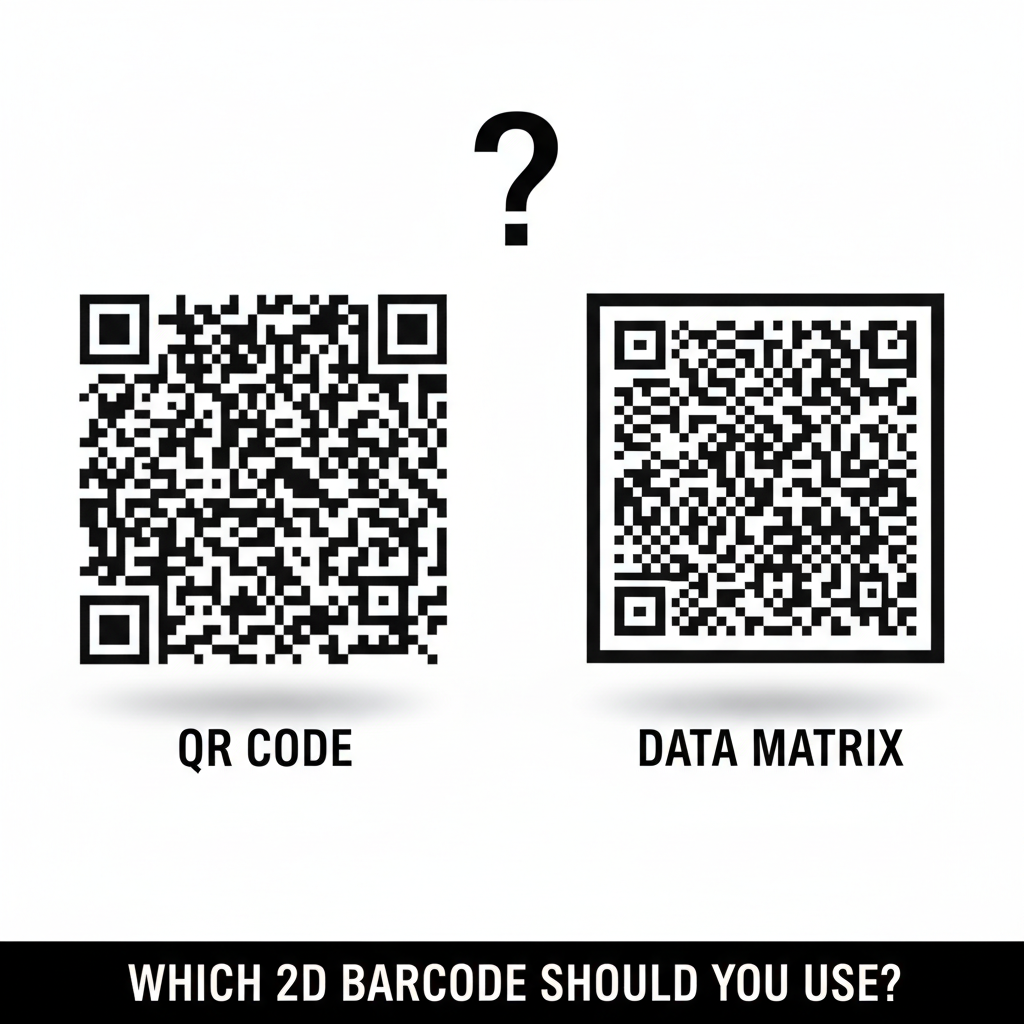
QR Code and Data Matrix are the two most widely used 2D barcode symbologies today. QR Code is the better default for consumer-facing labels where a smartphone camera is the scanner, while Data Matrix is preferred for industrial, medical, and very small labels where high-density encoding and precision scanners matter most. Label Toolkit lets you generate, preview, and print either symbology directly in your browser at no cost.
- QR Code handles up to 7,089 numeric or 4,296 alphanumeric characters and is readable by any smartphone camera without a dedicated app.
- Data Matrix stores up to 3,116 numeric or 2,335 alphanumeric characters in a smaller physical footprint, making it the industry standard for tiny parts, PCBs, and pharmaceutical labels.
- Both use Reed-Solomon error correction, but they apply it differently: QR Code offers four named levels (L, M, Q, H) while Data Matrix uses a fixed scheme tied to the ECC 200 standard.
- Your printer, scanner fleet, and label size should drive the choice more than any single feature comparison.
What is a 2D barcode, and why does the symbology matter?
A 2D barcode (two-dimensional barcode) encodes data in both the horizontal and vertical axes, unlike a 1D barcode (linear barcode) that only uses horizontal bars. The symbology is the specific encoding standard: the pattern geometry, data capacity rules, quiet-zone requirements, and error-correction algorithm that define how data gets written and read. Picking the wrong symbology means your scanners may not read it, your label may be too large for the substrate, or you may carry redundant quiet-zone space you cannot afford.
For a broader look at where QR and Data Matrix fit among all barcode types, see the complete barcode symbology guide on this site.
QR Code: how it works and where it excels
QR Code (Quick Response Code) was invented by DENSO WAVE in 1994 and is now standardized under ISO/IEC 18004. A QR Code is built from square modules arranged in a square grid. Three large "finder patterns" sit in three corners so any scanner can locate and orient the code regardless of rotation. A fourth "alignment pattern" helps larger versions stay readable when the label is curved or slightly distorted.
QR Code data capacity and versions
QR Code has 40 versions. Version 1 is a 21x21 module grid. Each version adds four modules per side, so Version 40 reaches 177x177 modules. At Version 40 with the lowest error-correction level (L, which recovers 7% of codeword damage), you can encode 7,089 numeric digits. At the highest level (H, which recovers 30%), that drops to 1,817 numeric digits because more of the module space is reserved for error-correction codewords.
| Error-correction level | Recovery capacity | Max numeric chars (V40) | Max alphanumeric chars (V40) | Best use |
|---|---|---|---|---|
| L (Low) | 7% | 7,089 | 4,296 | Clean, flat surfaces |
| M (Medium) | 15% | 5,596 | 3,391 | General product labels |
| Q (Quartile) | 25% | 3,993 | 2,420 | Labels with a logo overlay |
| H (High) | 30% | 2,953 | 1,789 | Outdoor, rough, or dirty surfaces |
The quiet zone (the blank border around the code) for a QR Code must be at least 4 modules wide on all sides. At 203 DPI (dots per inch, the most common thermal printer resolution), one module printed at the smallest practical size is about 10 dots, so the quiet zone alone adds roughly 40 dots per edge. That is about 5 mm at 203 DPI. Shrink below that and scan rates fall sharply.
When to choose QR Code
- Consumer packaging, restaurant menus, business cards, or any label a smartphone camera must read without a dedicated scanner.
- Marketing URLs, contact cards (vCard), Wi-Fi credentials, or plain-text payloads where human-readable fallback is not needed.
- Labels where a logo or brand graphic overlays the center of the code: set error correction to Q or H to compensate for the obscured modules. See how Label Toolkit handles styled QR codes with logos for the practical steps.
- Labels with enough physical space for a minimum printed size of roughly 20x20 mm at 203 DPI.
Data Matrix: how it works and where it excels
Data Matrix is standardized under ISO/IEC 16022. The modern variant, ECC 200 (Error Checking and Correction 200), uses Reed-Solomon error correction and an "L-shaped" finder pattern called the solid "L" border, plus a dashed border on the remaining two sides to define the symbol edges. Unlike QR Code, Data Matrix is always square (or rectangular for special variants) with no version-dependent corner patterns, which makes optical alignment simpler for industrial imagers.
Data Matrix data capacity and symbol sizes
ECC 200 Data Matrix ranges from a 10x10 module grid up to 144x144. The maximum capacity is 3,116 numeric digits or 2,335 alphanumeric characters. Error correction in ECC 200 is not user-selectable the way QR Code's four levels are: the standard defines the correction capacity per symbol size, and it always recovers up to approximately 25% of damaged codewords, similar to QR Code's Q level.
The quiet zone requirement for Data Matrix is just 1 module on all sides, compared to QR Code's 4-module requirement. At 300 DPI (dots per mm equivalent: 300 DPI = 11.81 dpmm) with a 10x10 symbol, a Data Matrix code can be printed legibly in under 2.5x2.5 mm on a laser-etched metal part. That is physically impossible with a QR Code at the same scanner reliability.
When to choose Data Matrix
- Small labels or direct-part marking (DPM) on circuit boards, surgical instruments, or pharmaceutical unit-dose packaging where space is measured in millimeters.
- FDA UDI (Unique Device Identification) labels: the FDA mandates Data Matrix for device labels under 21 CFR Part 830.
- GS1 DataMatrix on healthcare labels where GS1 Application Identifiers (AIs) such as (01) for GTIN, (17) for expiry date, and (10) for lot number are encoded in a single symbol.
- High-speed industrial scanning lines where a fixed-mount imager can resolve very small modules reliably.
- Any substrate where you cannot guarantee a 4-module quiet zone around the code.
Head-to-head comparison
| Feature | QR Code | Data Matrix (ECC 200) |
|---|---|---|
| ISO standard | ISO/IEC 18004 | ISO/IEC 16022 |
| Shape | Square | Square or rectangular |
| Max numeric capacity | 7,089 digits | 3,116 digits |
| Max alphanumeric capacity | 4,296 chars | 2,335 chars |
| Minimum quiet zone | 4 modules all sides | 1 module all sides |
| Minimum practical print size (203 DPI) | ~20x20 mm | ~5x5 mm |
| Error correction options | L (7%), M (15%), Q (25%), H (30%) | Fixed ~25% per ECC 200 |
| Smartphone camera readable | Yes, natively | Requires a dedicated app |
| GS1 compliance | GS1 QR Code profile | GS1 DataMatrix (preferred for healthcare) |
| Direct-part marking (DPM) | Uncommon | Standard choice |
| FDA UDI compliance | Acceptable | Preferred / required in many cases |
| ZPL command (Zebra printers) | ^BQ | ^BX |
Printing QR Code and Data Matrix on Zebra printers: ZPL commands
If you print on a Zebra thermal printer, you use ZPL (Zebra Programming Language) commands to embed either symbology. Here are minimal working examples for both.