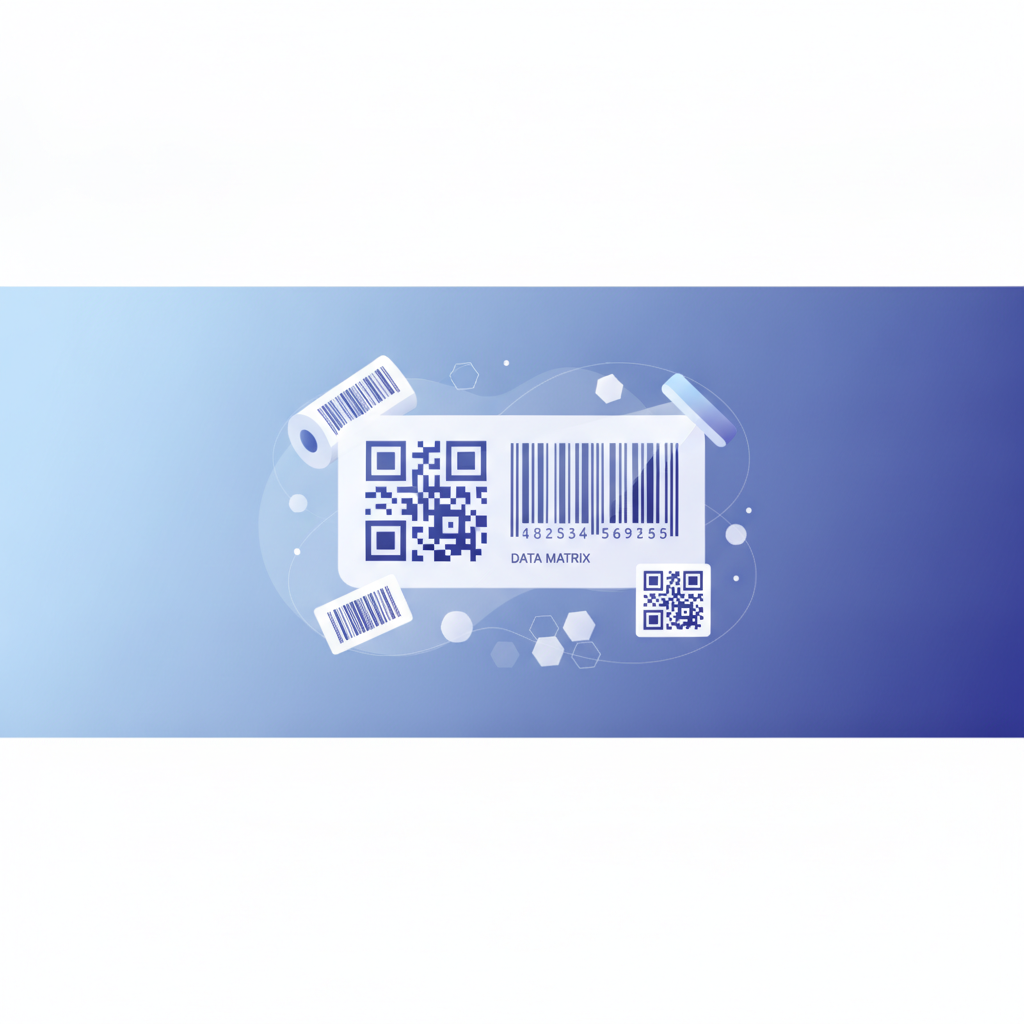
Choosing a barcode symbology means matching the data type, scanner hardware, label size, and industry standard you must meet. In Label Toolkit, a free browser-based label designer, you can generate every major 1D and 2D barcode without installing any software. The short answer: use Code 128 for general shipping and logistics, QR or Data Matrix when you need a lot of data in a small area, and UPC-A or EAN-13 for retail point-of-sale scanning.
- 1D barcodes (Code 128, Code 39, UPC, EAN, ITF-14) encode data in parallel bars and are read by virtually every laser scanner in retail and logistics.
- 2D barcodes (QR Code, Data Matrix, PDF417) encode data in a matrix pattern and can store hundreds to thousands of characters in a small footprint.
- The right choice depends on four factors: data capacity, label size, scanner type, and industry compliance requirements.
- Label Toolkit lets you switch symbologies instantly and preview the scannable result before printing or exporting ZPL for a Zebra printer.
What is a barcode symbology?
A barcode symbology is the specific encoding standard that defines how data is converted into a visual pattern a scanner can read. Symbology covers the allowed character set, the way bars or modules are arranged, the checksum algorithm, and the quiet-zone rules. Choosing the wrong symbology means your scanner hardware simply will not read the label, even if the barcode looks visually correct.
1D barcodes: bars, spaces, and linear data
One-dimensional (1D) barcodes encode data horizontally in a series of bars and spaces of varying widths. A single laser line is enough to decode them. Because the beam scans in one axis only, these are also called linear barcodes.
Code 128
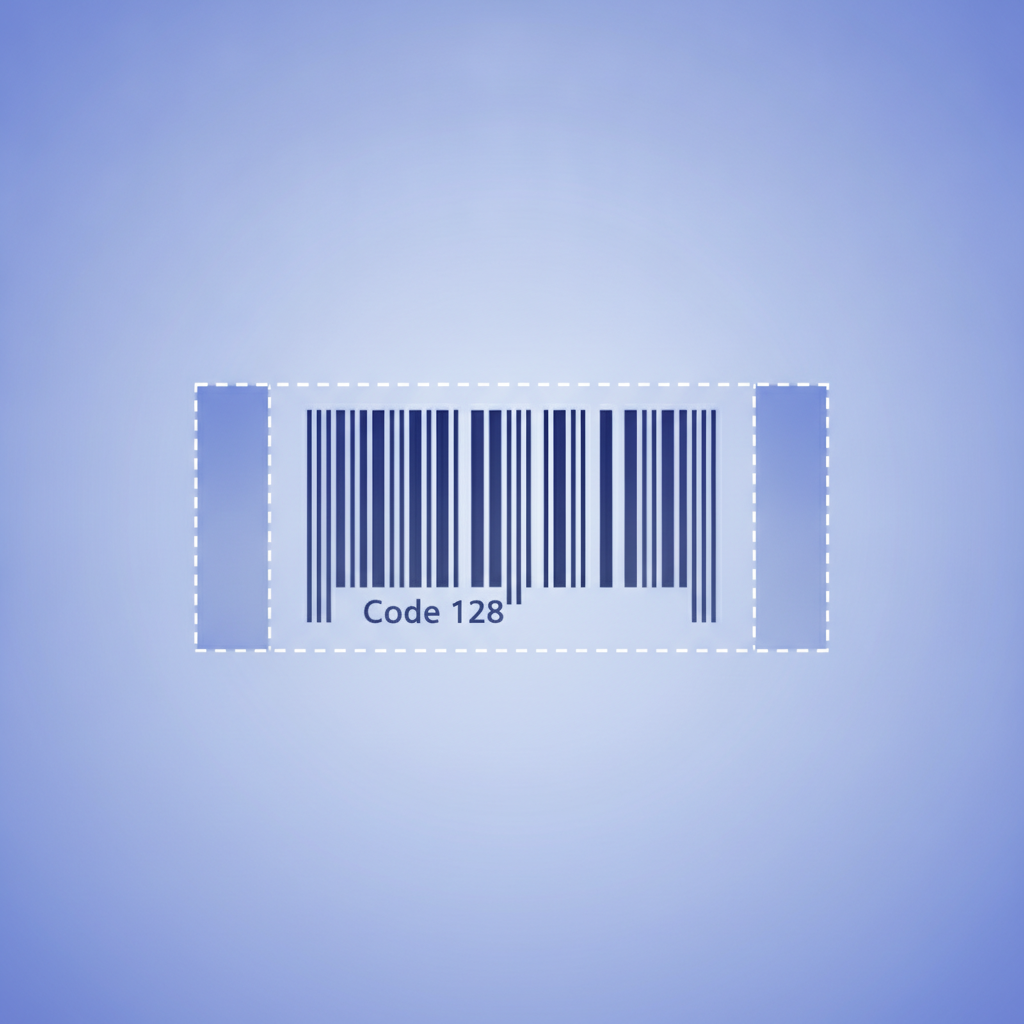
Code 128 is the workhorse of shipping and warehouse operations. It encodes the full ASCII 128 character set, including letters, digits, and control characters. A typical 1-inch-wide Code 128 barcode at 203 DPI (dots per inch, the resolution of a standard entry-level Zebra printer) can encode roughly 20 characters at a reasonable density. The minimum bar width at 203 DPI is one dot, or approximately 0.125 mm (0.005 inches). The quiet zone on each side must be at least 10 times the narrowest bar width, so roughly 1.25 mm per side.
GS1-128 is a variant of Code 128 that uses GS1 Application Identifiers to add semantic meaning to the data, for example (01) before a GTIN-14 or (17) before an expiry date. Use GS1-128 when a trading partner or retailer compliance guide requires it.
Code 39
Code 39 predates Code 128 and encodes only 43 characters: uppercase letters, digits 0 through 9, and a handful of symbols. It is self-checking, meaning a built-in structure reduces scanning errors even without a checksum. The trade-off is that it is less dense than Code 128, so the same data takes up more horizontal space. Use Code 39 only when older scanner infrastructure requires it or an industry standard mandates it (some US Department of Defense labeling specifications still reference it).
UPC-A and EAN-13
UPC-A encodes exactly 12 digits; EAN-13 encodes 13. Both are fixed-length retail POS (point-of-sale) symbologies managed by GS1. You cannot use them for free-form data. To put a product on a retail shelf with a scannable barcode that retailers will accept, you need a registered GS1 company prefix. The quiet zone for both is a minimum 9X on the left and 9X on the right, where X is the width of the narrowest bar (typically 0.33 mm in the standard size). Do not shrink UPC or EAN below 80% of nominal size or scanning reliability drops sharply.
ITF-14
ITF-14 (Interleaved 2-of-5, 14 digits) encodes a GTIN-14 on corrugated cardboard shipping cartons. It is specifically designed to scan reliably on rough, printed kraft surfaces where fine detail is lost. The thick bearer bars above and below the barcode prevent short-scans at the edges. If you are labeling a case or pallet, ITF-14 is the GS1-recommended choice.
Code 93
Code 93 is a denser alternative to Code 39 that supports the full ASCII set via shift characters. It is less common but still appears in some courier and asset-tracking workflows. Most modern scanners read it without special configuration.
2D barcodes: matrices, stacks, and high-density data
Two-dimensional barcodes encode data in both the horizontal and vertical axes. A 2D imager (camera-based scanner) captures the entire symbol at once. Laser scanners generally cannot read 2D symbols. If your scanning hardware is older laser-only equipment, stay with 1D symbologies.
QR Code
QR Code (Quick Response) was developed by DENSO WAVE and is now standardized as ISO/IEC 18004. It supports four data modes: numeric (up to 7,089 characters), alphanumeric (4,296 characters), binary (2,953 bytes), and Kanji. Error correction comes in four levels: L (7% recovery), M (15%), Q (25%), and H (30%). The higher the error correction level, the larger the symbol for the same payload, but the more damage it can survive. Use level M for most labels. For printed marketing labels where you want to embed a logo, use level H so the logo blocks do not prevent decoding. Label Toolkit supports all four QR error-correction levels and logo embedding natively.
A QR Code has three finder patterns (the large squares at three corners) and one alignment pattern (on larger versions). The quiet zone must be at least 4 modules wide on all four sides. At a print density of 300 DPI, a single QR module is about 0.085 mm if you use a 1-dot-per-module mapping, or roughly 0.25 mm at a more readable 3-dots-per-module mapping. In ZPL, the ^BQ command sets the QR version and error-correction level; for example, ^BQN,2,M generates a normal-orientation QR at error-correction level M.
Data Matrix
Data Matrix (ECC 200) is the preferred symbology when label real estate is extremely limited. A Data Matrix can encode up to 2,335 alphanumeric characters in a square or rectangular grid as small as 10x10 modules. It is the standard for marking electronic components, medical devices, and aerospace parts because it survives harsh surfaces and can be laser-etched directly onto metal. GS1 DataMatrix is the regulated variant used in healthcare and medical device labeling. The quiet zone is one module on all four sides, much smaller than QR's four-module requirement.
The practical minimum print size for a reliably scannable Data Matrix at 203 DPI is about 10 mm x 10 mm for a 20-character payload. At 300 DPI you can go smaller, around 6 mm x 6 mm, without losing scannability.
PDF417
PDF417 is a stacked linear symbology (it looks like multiple 1D barcodes stacked vertically) that encodes up to 1,850 ASCII characters or 2,710 digits. It is required on US driver's licenses (AAMVA standard) and airline boarding passes (IATA standard). It needs a 2D imager to decode. Unless you are producing ID documents or boarding passes, QR or Data Matrix will serve better in almost every other scenario.
1D vs 2D at a glance
| Factor | 1D (e.g., Code 128) | 2D (e.g., QR Code) |
|---|---|---|
| Max data capacity | ~80 characters typical | Up to 7,089 characters (QR numeric) |
| Scanner hardware | Laser or imager | 2D imager only |
| Label area needed | Moderate (width scales with data) | Small (grows slowly with data) |
| Error recovery | Checksum only | Built-in Reed-Solomon ECC |
| Direction of scan | One axis | Any angle (omnidirectional) |
| Typical use cases | Shipping, retail POS, logistics | URLs, serialized medical, small parts |
| ZPL command (Zebra) | ^BC (Code 128) | ^BQ (QR Code) |
How to choose a barcode symbology: a step-by-step decision process
- Identify your data payload. Count the characters you need to encode and note whether they are digits only, alphanumeric, or full ASCII with special characters. A 12-digit product number fits comfortably in Code 128 or UPC. A full URL with 80 characters needs QR or Data Matrix.
- Check scanner hardware. If your warehouse or retail partner uses laser scanners exclusively, you must use a 1D symbology. If scanners are modern camera-based imagers, 1D and 2D both work.
- Measure available label space. If the printable area is smaller than about 15 mm x 10 mm and you need more than 20 characters, choose Data Matrix. If space is generous, Code 128 is simpler to implement.
- Check industry and compliance requirements. Retail shelf products in most countries require UPC-A or EAN-13 from a registered GS1 prefix. Amazon FBA uses a FNSKU barcode in Code 128 format. Healthcare serialization under the US Drug Supply Chain Security Act (DSCSA) requires GS1 DataMatrix or GS1-128. Automotive parts often use Data Matrix per customer specifications.
- Factor in print resolution. At 203 DPI (the standard for budget Zebra printers), narrow bars are 0.125 mm. At 300 DPI, 0.085 mm. Very small 2D symbols printed at 203 DPI may fall below the minimum module size for reliable scanning. When in doubt, print a test label and verify with a real scanner before committing to a production run.
- Consider human readability. 1D barcodes are traditionally printed with the human-readable interpretation (the digits or text) beneath the bars. 2D symbols have no built-in human-readable equivalent. If operators need to visually verify a barcode number at a glance, place a text field beneath a 2D symbol or use a 1D format.
- Generate and test in Label Toolkit. Open the designer, drop in a barcode element, switch symbologies from the panel, type your payload, and preview the result. Export as a vector PDF for offset printing or as ZPL for a Zebra thermal printer and scan the output with a verification tool before printing at scale.
Quiet zones: the invisible requirement that breaks most labels
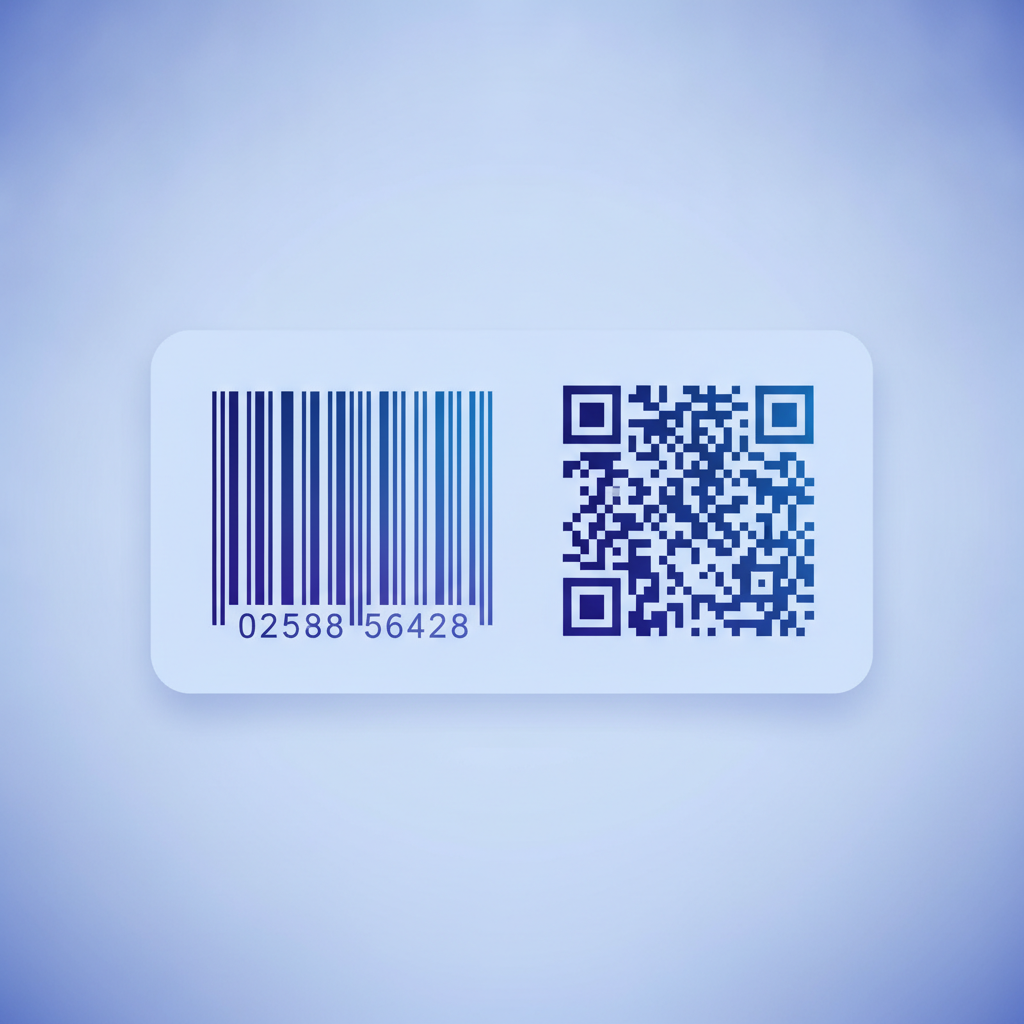
A quiet zone is the blank margin around a barcode that separates it from surrounding graphics or text. Scanners use the quiet zone to know where the symbol starts and ends. Violating quiet-zone minimums is one of the most common reasons a barcode fails to scan in production even though it looks fine on screen.